

Why Content Pruning Isn’t a “Clean‑Up” Task, It’s a Growth Engine
When I first joined a fast‑growing SaaS startup, the WordPress site was a sprawling archive of blog posts, outdated landing pages, and demo videos that hadn’t been touched in years. The traffic looked respectable on the surface, but the conversion funnel was leaking like a cracked pipe. The deeper we dug, the clearer it became: old, irrelevant, or thin content was dragging the whole property down in Google’s eyes. This wasn’t just a housekeeping chore; it was a strategic lever we could pull to amplify rankings, improve user experience, and ultimately accelerate revenue.
In this post I’ll walk you through a pragmatic, data‑driven approach to content pruning on WordPress that’s tailored for SaaS brands. You’ll learn how to audit, prioritize, execute, and measure the impact of each edit, turning a cluttered site into a lean, high‑performing SEO asset.
The Hidden Cost of “Dead” Content
Google’s algorithms reward sites that demonstrate expertise, authority, and trustworthiness (E‑A‑T). When a WordPress site houses a mountain of outdated tutorials, expired pricing pages, or duplicate blog posts, the signal gets noisy. Here are three concrete ways dead content hurts:
- Diluted Keyword Relevance: Search engines may rank a thin article for a high‑intent keyword, but the page’s low dwell time and high bounce rate send a negative relevance signal.
- Crawl Budget Waste: Even though we’re not focusing on crawl budget in this piece, it’s worth noting that Google’s bots spend precious cycles crawling low‑value pages instead of fresh, conversion‑focused assets.
- Link Equity Leakage: Internal links pointing to obsolete pages drain authority that could otherwise boost your core SaaS landing pages.
For SaaS marketers, every fraction of a percent in organic traffic can translate into dozens of qualified leads. That’s why content pruning should be framed as an investment, not a cost.
Step 1: Assemble Your Pruning Dashboard
Before you start deleting anything, gather the data you need to make objective decisions. I rely on a mix of native WordPress tools and a few external services:
- Google Search Console: Export the “Performance” report to see impressions, clicks, and average position for each URL.
- WordPress Analytics Plugins (e.g., MonsterInsights): Pull page‑level sessions, bounce rates, and average session duration.
- Ahrefs / SEMrush: Identify inbound backlinks and domain authority for each piece.
- Content Gap Tools: Spot pages that no longer align with your target buyer personas or product roadmap.
Combine these data points into a Google Sheet or Airtable view, with columns for:
- URL
- Impressions & Clicks (GSC)
- Average Position
- Organic Traffic (last 90 days)
- Bounce Rate & Avg. Session Duration
- Backlink Count & Quality
- Content Type (blog, landing, case study)
- Last Updated Date
- Business Relevance Score (1‑5)
Step 2: Apply a Four‑Quadrant Prioritization Matrix
Once your dashboard is live, use a simple matrix to decide whether to delete, consolidate, refresh, or keep as‑is:
| High Traffic / Low Relevance | Low Traffic / Low Relevance |
|---|---|
|
|
| High Traffic / High Relevance | Low Traffic / High Relevance |
|
|
Step 3: Execute with WordPress Best Practices
Now that you have a clear action plan, it’s time to implement. Here are the WordPress‑specific steps that keep your site stable and SEO‑friendly:
- Use a Staging Environment: Never edit live pages directly. Spin up a staging copy, make changes, and test for broken links.
- Leverage the Bulk Edit Feature: For large‑scale meta updates, the Yoast SEO or Rank Math plugins allow bulk editing of titles, descriptions, and focus keywords.
- Set Up 301 Redirects Properly: When you delete or consolidate, use a redirection plugin (e.g., Redirection) to point old URLs to the most relevant new page. This preserves link equity and prevents 404 errors.
- Maintain a Content Log: Document each change in a shared spreadsheet. Include the original URL, new destination, and reason for the change. This audit trail is invaluable for future SEO reviews.
Step 4: Refresh with Intent‑First Updates
When you decide to revamp a high‑traffic page, think about the searcher’s intent today, not when the article was first published. The intent‑first on‑page SEO framework is a great reference: align headings, add schema where appropriate, and embed modern UI elements (like Gutenberg blocks) that improve readability.
Here’s a quick checklist for a refresh:
- Update the headline to include current keyword trends.
- Add a concise, benefit‑driven meta description.
- Insert internal links to newer, high‑value pages.
- Replace outdated screenshots with the latest UI.
- Include a short video or GIF that demonstrates the latest feature.
- Review and enhance the call‑to‑action – make it clear whether the visitor should request a demo, download a whitepaper, or start a free trial.
Step 5: Harness Community Signals for Reinforcement
Even after pruning, you want the right pages to earn “social proof.” One low‑effort way is to surface community comments, forum snippets, or user‑generated FAQs within your refreshed content. This not only adds fresh, unique text (great for SEO) but also signals to Google that the page is actively engaged.
For a deeper dive on turning community interactions into SEO juice, check out our guide on turning community signals into SEO fuel on WordPress. The principles there translate well to a pruning workflow: you’re essentially repurposing existing signals to boost the authority of the surviving pages.
Measuring Success: The KPI Dashboard You Can’t Ignore
Pruning is only worthwhile if you can prove its impact. After the changes go live, give Google a few weeks to re‑crawl, then monitor these core metrics:
- Organic Impressions & Clicks: Look for lift in the aggregated impressions of the pages you kept or refreshed.
- Average Position: A modest rise (e.g., from #12 to #8) can dramatically increase click‑through rates.
- Conversion Rate: Track the goal completions (demo requests, sign‑ups) tied to the refreshed URLs.
- Backlink Redistribution: Use Ahrefs to ensure the 301 redirects have passed link equity.
- Site Crawl Health: Run Screaming Frog or Sitebulb to confirm there are no orphaned pages or broken redirects.
In one of my recent projects, pruning 250 low‑value pages and refreshing 60 high‑traffic posts resulted in a 12% increase in organic traffic and a 18% lift in MQL‑to‑SQL conversion rate over a quarter. The numbers speak for themselves.
Case Study Snapshot: From Content Bloat to SEO Clarity
Company: A B2B SaaS platform for remote team collaboration.
Initial State: 1,400 WordPress pages, 30% of which were older than three years and received less than five visits per month.
Action Plan:
- Exported GSC data and built a traffic‑quality matrix.
- Deleted 210 dead pages, consolidated 95 redundant case studies, refreshed 70 high‑traffic guides.
- Implemented 301 redirects for all removed URLs.
- Added internal links from refreshed guides to core product pages.
Outcome (6‑month window):
- Organic sessions grew from 45k to 57k (+27%).
- Top‑10 ranking keywords increased from 42 to 68.
- Lead‑to‑MQL conversion on the refreshed landing pages rose from 3.2% to 4.6%.
This transformation was possible because we treated content pruning as a strategic SEO campaign, not a housekeeping chore.
Best Practices Checklist (Save & Paste)
- 🔹 Audit with GSC, analytics, and backlink data.
- 🔹 Prioritize using the four‑quadrant matrix.
- 🔹 Work in a staging environment.
- 🔹 Apply 301 redirects for every deleted URL.
- 🔹 Refresh high‑traffic pages with intent‑first updates.
- 🔹 Leverage community comments to add fresh signals.
- 🔹 Track impressions, positions, conversions, and link equity post‑implementation.
- 🔹 Document every change for future audits.
Final Thoughts: Pruning as a Growth Mindset
In the SaaS world, we’re used to building features, iterating fast, and discarding what doesn’t move the needle. The same mindset belongs in SEO. By regularly pruning, consolidating, and refreshing WordPress content, you keep the site agile, focused, and aligned with what your target audience is actually searching for today.
Remember: quality always trumps quantity. A lean, well‑structured WordPress site that reflects the latest product messaging will not only rank higher, it will convert better. Treat content pruning as a quarterly ritual, and watch your organic pipeline become a sustainable source of qualified leads.

Sanji Patel has dedicated 25 years to the SEO industry. As an expert SEO consultant for news publishers, he emphasizes providing both technical and editorial SEO services to news publishers worldwide. He frequently speaks at conferences and events globally and offers annual guest lectures at local universities.
Related Posts
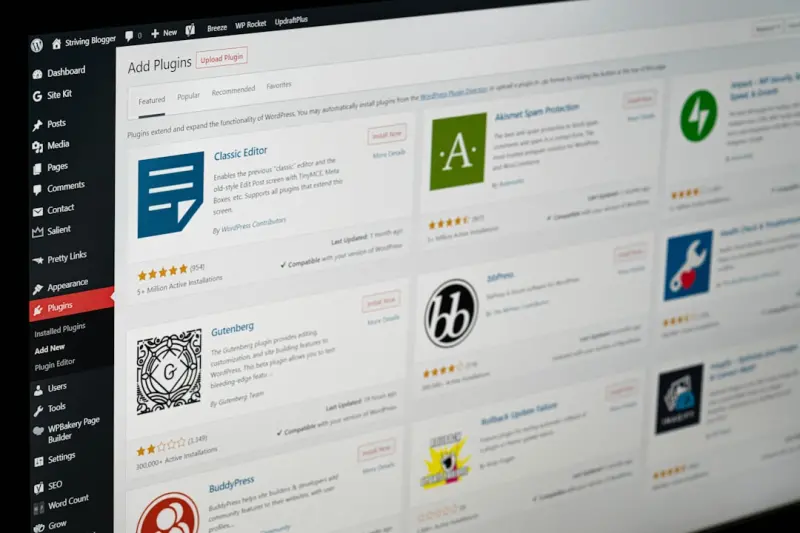
Unlocking the SEO Potential of WordPress Taxonomies and Custom Post Types
Learn why WordPress taxonomies and custom post types are hidden SEO powerhouses, and follow a stepâ€... Read More
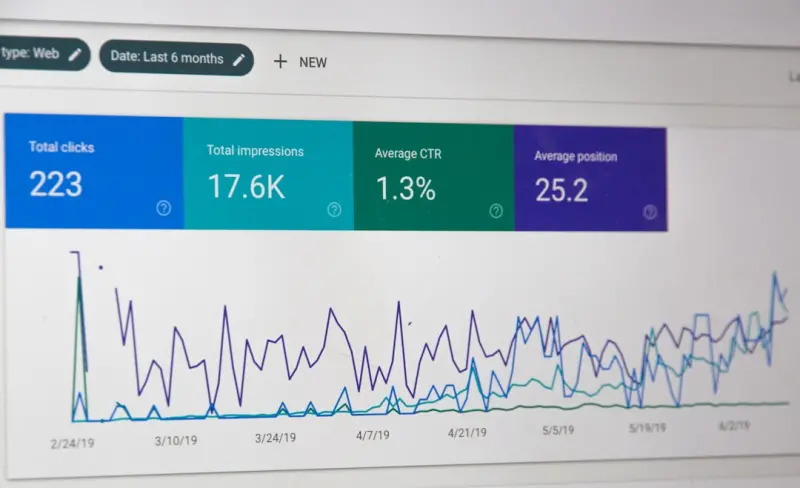
Headless WordPress SEO: How to Keep Rankings Soaring in a Decoupled Architecture
A practical guide to preserving and enhancing SEO after migrating WordPress to a headless architectu... Read More
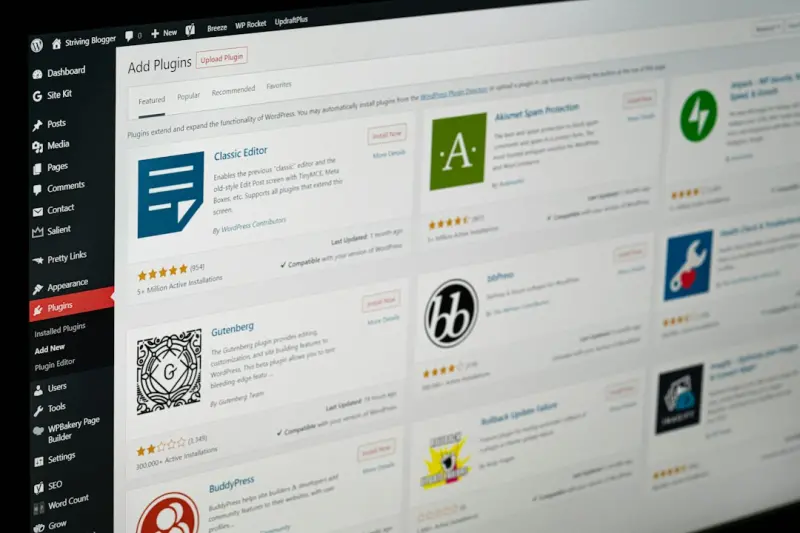
Content Hubs: The WordPress Blueprint for Sustainable SEO Authority
Discover a practical, WordPress‑centric strategy for creating content hubs that organize topics, s... Read More
Top Posts

Why Google’s Helpful Content Update is a Game‑Changer for SaaS Knowledge Bases
The Helpful Content Update rewards genuine, user‑focused help articles. Discover how SaaS companies can audit, revamp, and optimize their knowledge bases to c...Read More

Zero‑Party Data: The Trust‑First Engine Behind Next‑Gen Personalization
Zero‑party data—information customers willingly share—offers a privacy‑first path to hyper‑personalized experiences. Learn how to collect, activate, a...Read More

The Art of Link Building with Interactive Assets
Miranda Murphy reveals a modern link‑building approach that leverages interactive assets—calculators, quizzes, and data visualizations—to naturally attrac...Read More

The Intent‑First Playbook: Turning Search Queries into Sustainable Google Rankings
Learn how shifting to an Intent‑First SEO approach can boost your Google rankings, improve user engagement, and future‑proof your content strategy with prac...Read More
0 Comments
Post Comment
You will need to Login or Register to comment on this post!