

Why Gutenberg Isn’t Just a Pretty Editor – It’s a Ranking Opportunity
When I first laid hands on the Gutenberg block editor, I thought it was a design‑centric toy: drag, drop, and make things look good. Fast forward a few releases, and I’ve realized that Gutenberg is also a hidden lever for SEO. If you treat each block like a mini‑page element, you can speak the same language Google’s crawlers have been learning for years—semantic relevance, hierarchy, and context.
Mapping Blocks to Traditional SEO Signals
The classic SEO checklist talks about heading tags, image alt text, internal linking, and schema. In Gutenberg, every block can fulfill one of those signals. A Heading Block automatically creates an <h2>, <h3>, etc., while a Paragraph Block is your plain text body. The trick is to be intentional: don’t just stack blocks for aesthetics; map each one to a ranking factor.
- Heading hierarchy: Start with a
<h2>block for your main sections, then cascade down to<h3>and<h4>as sub‑topics. This mirrors the outline Google expects. - Image blocks with alt attributes: Gutenberg’s image block includes an “Alt Text” field. Fill it with concise, keyword‑rich descriptions—think of it as a mini‑opportunity to rank in image search.
- List blocks: Ordered and unordered lists are great for featured snippets. Use them for step‑by‑step guides or “top‑5” lists that answer a user query directly.
- Quote blocks: These create
<blockquote>tags, which Google sometimes pulls as rich citations. Use them for authoritative statements or customer testimonials.
Semantic Richness with Reusable Blocks
Gutenberg’s Reusable Blocks are more than a time‑saver; they’re a semantic consistency engine. When you embed the same block across multiple pages—say a product feature matrix—you’re reinforcing a concept for crawlers. This repeated signal tells search engines that the term is central to your site’s theme, helping with topical relevance.
But be careful: don’t over‑reuse to the point of creating duplicate content. Pair each reusable block with unique surrounding copy. Think of the block as a “template snippet” that you flesh out differently each time.
Leveraging the Block Pattern Library for Structured Data
While we’re steering clear of full‑blown schema plugins, Gutenberg’s Block Patterns can embed micro‑data without heavy code. For example, the “FAQ Pattern” automatically adds application/ld+json for FAQ schema. By inserting it where it truly belongs—your FAQ section—you get instant rich results. This is a low‑effort, high‑impact way to sprinkle structured data without breaking the editor flow.
For a deeper dive into structured data tactics, see my earlier post Structured Data Hacks for SaaS Product Discovery, which walks through JSON‑LD snippets you can adapt for any block.
Internal Linking, the Block Way
Internal linking is still the backbone of site architecture, and Gutenberg makes it surprisingly visual. The Link Block lets you embed a hyperlink with a preview thumbnail—perfect for “Related Posts” sections. Because the link lives inside a block, it inherits the surrounding heading hierarchy, reinforcing the link equity flow.
Here’s a quick workflow:
- Identify the primary keyword for the page you’re editing.
- Search your site for other posts targeting the same keyword cluster.
- Insert a Link Block under a relevant heading, using descriptive anchor text (avoid “click here”).
- Repeat for 2‑3 supporting pages to create a tight topical cluster.
When you structure these links with logical headings, you’re essentially building a semantic map that Google loves.
Optimizing for Google Passage Ranking
Google’s passage ranking algorithm can surface a single paragraph as a direct answer, even if it lives deep inside a long article. In Gutenberg, each paragraph is its own block, which means you can craft “passage‑ready” content with precision. Place concise, keyword‑rich answers in the first Paragraph Block after a heading—Google can pull that snippet without digging through extraneous fluff.
To see how passage ranking can amplify visibility for a specific niche, check out my guide Google Passage Ranking: A SaaS Marketer’s Guide. The same principles apply to WordPress: clear, self‑contained answers in dedicated blocks = higher chances of being featured.
Performance Meets SEO: Block‑Level Lazy Loading
Page speed is a ranking factor, and Gutenberg now supports block‑level lazy loading. When you add an image or video block, you can toggle “Lazy Load” on a per‑block basis. This granular control prevents the entire page from loading heavy assets at once, reducing First Contentful Paint and boosting Core Web Vitals.
Pair lazy loading with the “Cover Block” for hero images. The Cover Block lets you set a low‑resolution placeholder that swaps to the full image once it’s in the viewport. The result? Faster perceived load times, lower bounce rates, and a healthier SEO profile.
Accessibility as an SEO Signal
Accessibility isn’t just a compliance checkbox; it’s an SEO booster. Gutenberg’s block editor automatically adds ARIA attributes when you enable “Use recommended heading structure.” Ensure every Button Block and Form Block has clear, descriptive text. Screen readers will thank you, and Google will interpret the page as higher quality.
Tip: After publishing, run a quick Mobile‑Friendly Test and a Lighthouse audit. Look for warnings about missing alt text or insufficient contrast, then go back into the offending block to fix it.
Future‑Proofing: The Rise of AI‑Generated Blocks
WordPress is already experimenting with AI‑assisted block creation. Imagine a “Content Block” that suggests a meta description, an SEO‑optimized heading, and even a short FAQ—all generated on the fly. While still in beta, this technology hints at a future where every block is SEO‑aware out of the box.
To stay ahead, start treating each block as a potential data point for AI. Use consistent naming conventions (e.g., “Feature‑Overview‑Block”) and keep your copy concise. When the AI tools mature, they’ll be able to read those cues and fine‑tune the content for rankability.
Putting It All Together: A Step‑by‑Step Gutenberg SEO Checklist
- Plan your heading hierarchy before opening the editor. Sketch an outline with H2, H3, and H4 sections.
- Choose blocks that match SEO signals: Heading, Paragraph, List, Quote, Image, and Link blocks.
- Populate alt text and ARIA labels for every media and interactive block.
- Insert reusable blocks for recurring elements like product specs, ensuring each instance has unique surrounding copy.
- Leverage Block Patterns for FAQ, How‑To, and Review schema without extra plugins.
- Craft passage‑ready paragraphs—short, answer‑oriented blocks placed right after relevant headings.
- Enable lazy loading on image/video blocks to improve Core Web Vitals.
- Build internal links using Link Blocks, anchoring them in logical heading contexts.
- Run accessibility and speed audits and iterate on block settings accordingly.
- Stay curious about upcoming AI‑driven block enhancements; they’ll become SEO assets in the near future.
By treating Gutenberg as more than a visual canvas—seeing it as a modular SEO toolkit—you’ll unlock ranking potential that many WordPress sites overlook. The editor is already built for flexibility; all that’s left is to align each block with the signals search engines love. Happy building, and may your blocks rank high and load fast!

Deb Roberts is a freelancer who writes on various subjects, bringing versatility and depth to her work. Alongside her broad writing expertise, she has a special passion for horses.
Related Posts

The Secret SEO Boost: Why Pruning Your WordPress Site Beats New Plugins Every Time
Learn why cleaning up old, thin, or duplicate WordPress content can skyrocket your SEO, boost crawl ... Read More
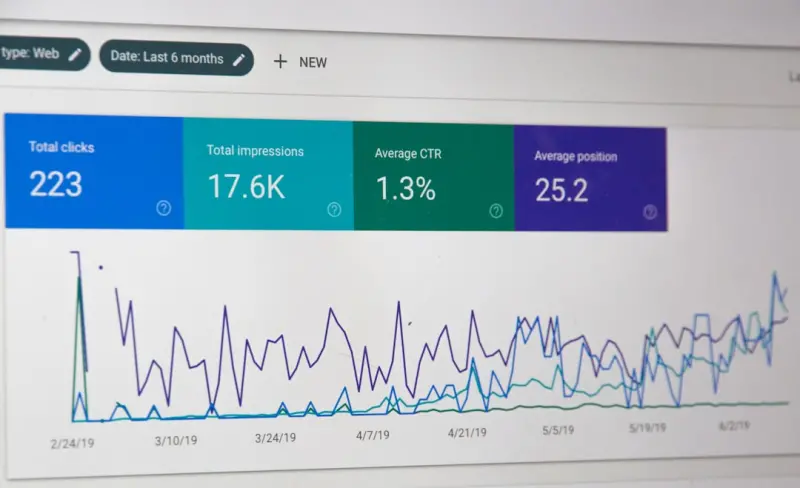
Headless WordPress SEO: Future‑Proofing Your Rankings
Discover a practical roadmap for maintaining and enhancing SEO in a headless WordPress setup, from c... Read More
Headless WordPress SEO: Unlocking the Power of the JAMstack
Learn why moving to a headless WordPress architecture with JAMstack can dramatically improve ranking... Read More
Top Posts

Winning the Zero‑Click Game: How to Optimize WordPress for Featured Snippets
A step‑by‑step WordPress SEO blueprint that teaches you to capture featured snippets, boost impressions, and stay ahead in the zero‑click SERP era....Read More

Why Audio is the Next Growth Lever for SaaS Marketers
Audio is reshaping SaaS marketing, offering higher retention, new touchpoints, and measurable ROI. Learn how to launch a podcast, leverage voice ads, and integr...Read More
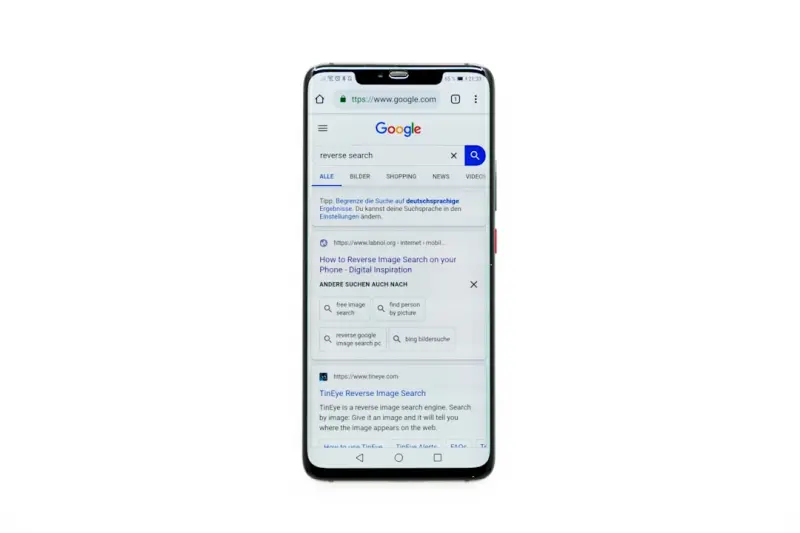
Mobile‑Only Structured Data, Visual Search, and App Indexing: A New SEO Playbook
Discover a fresh mobile SEO strategy that blends mobile‑only structured data, visual‑search tactics, and intelligent app indexing to dominate emerging SERP ...Read More

Zero‑Click Search Optimization: How to Win When Users Don’t Click
Zero‑click searches are reshaping SEO. This guide shows SaaS marketers how to capture featured snippets, PAA boxes, and rich results, turning instant answers ...Read More
0 Comments
Post Comment
You will need to Login or Register to comment on this post!