

Why Visual Storytelling Is the New Backbone of On‑Page SEO
When search engines started rewarding relevance over sheer keyword density, the battlefield shifted from text‑only tactics to a richer, multi‑sensory experience that mirrors how humans actually consume information. Visual storytelling—the purposeful blend of images, videos, and interactive graphics—now acts as a silent signal to crawlers, indicating that a page not only answers a query but does so in an engaging, user‑centric way; this boosts dwell time, reduces bounce, and ultimately nudges rankings upward. As a content creator who once measured success by word count alone, I’ve learned that the real metric is how long a visitor stays immersed in the visual narrative, and how many actions they take before leaving. By treating every visual asset as an SEO asset, you turn a static page into a dynamic hub that satisfies both human curiosity and algorithmic expectations.
Reimagining Image Optimization Beyond Alt Text
Most marketers still cling to the notion that a single alt attribute is enough to satisfy Google, but modern crawlers evaluate image relevance through file naming conventions, compression ratios, and structured data that describe the image’s context within the page. Choosing next‑gen formats like WebP or AVIF can slash file size by up to 70 % without sacrificing quality, which directly improves Core Web Vitals and keeps page load times buttery smooth; at the same time, descriptive filenames such as hand‑crafted‑leather‑journal‑open.jpg reinforce the page’s semantic theme. Embedding Prompt Engineering for AI Search techniques into your image captions—by phrasing them as natural language questions—helps AI‑driven SERP features better understand the visual content, leading to potential image pack placements that drive referral traffic.
Leveraging Video Schema for Immediate SERP Visibility
Videos are no longer an afterthought; they are prime real‑estate on the search results page when paired with the correct VideoObject schema, which supplies Google with a treasure trove of metadata such as duration, upload date, and thumbnail URL. By hosting videos on a fast, CDN‑backed platform and providing a concise, keyword‑rich transcript, you give crawlers both the visual and textual signals needed to index the content accurately, while users benefit from a clear preview that encourages click‑throughs. The thumbnail itself should be crafted with a compelling overlay of text or branding that mirrors the page’s headline, because Google often pulls the thumbnail directly into rich results, turning a simple video into a clickable ad for your page’s broader narrative.
Interactive Elements: Quizzes, Calculators, and the Dwell‑Time Boost
Embedding interactive tools like quizzes or ROI calculators transforms passive readers into active participants, a shift that dramatically inflates dwell time and signals to search engines that the page delivers genuine value. These elements generate micro‑conversions—such as a user completing a 3‑question quiz—providing behavioral data that can be fed back into content refinement cycles, ensuring the page evolves alongside audience expectations. Moreover, the HTML5 canvas and iframe tags, when used responsibly with lazy loading attributes, keep the page lightweight while still delivering rich functionality, striking the perfect balance between engagement and performance.
Semantic HTML: The Unsung Hero of Crawl Efficiency
While visual assets grab attention, the underlying markup determines how effectively search bots parse and prioritize that content; using semantic tags like <section>, <article>, and <aside> creates a clear hierarchy that mirrors the logical flow of information. Proper heading structures (<h2> through <h4>) guide both users and crawlers through the narrative, while ARIA roles add an extra layer of accessibility, which Google increasingly factors into ranking decisions. By aligning the visual layout with semantic sections, you reduce the risk of content cannibalization and ensure that each visual block is associated with the correct topical intent, a practice echoed in the strategic approach of Beyond Plugins: A Strategic WordPress SEO Blueprint for Content Hubs.
Designing Content Layouts That Favor User Intent
Above‑the‑fold placement remains critical; users decide within seconds whether the page meets their need, so positioning the most compelling visual hook—whether a hero image, a concise value proposition, or a short explainer video—immediately below the headline sets the tone for the entire session. Grid‑based layouts that break content into digestible cards allow readers to scan quickly, while consistent whitespace prevents cognitive overload, a factor that influences pogo‑sticking rates. Pairing each visual card with a brief, keyword‑rich description ensures that even when a visitor skims, the page’s thematic relevance stays reinforced, encouraging deeper exploration and higher conversion potential.
Contextual Internal Linking: Weaving a Visual Narrative Web
Internal links are no longer just pathways for link equity; they act as narrative bridges that guide users from one visual asset to another, reinforcing topical clusters and extending session duration. Rather than using generic anchors like “click here,” embed descriptive, context‑rich anchor text that mirrors the surrounding visual theme—e.g., “see our step‑by‑step infographic on sustainable packaging.” This practice not only clarifies the destination for readers but also provides search engines with explicit semantic cues about the relationship between pages, amplifying the authority of the entire visual ecosystem.
Balancing Page Speed with Rich Media: The Lazy‑Load Playbook
Heavy media can cripple load times, but implementing native lazy loading (loading="lazy") for images and iframes ensures that only the assets in the viewport are fetched initially, preserving the page’s Core Web Vitals scores. Pair lazy loading with modern image CDNs that automatically serve the optimal resolution based on the visitor’s device, and combine this with pre‑connect hints for third‑party video hosts to shave milliseconds off the first paint. By strategically deferring off‑screen media while keeping above‑the‑fold visuals fully loaded, you maintain an immersive experience without sacrificing the performance metrics that Google rewards.
Data‑Driven Audits: Heatmaps, Scroll Depth, and Visual ROI
Quantitative insights from heatmaps and scroll‑depth analytics reveal exactly which visual elements capture attention and which fall flat, allowing you to iterate on design with surgical precision. If a high‑resolution hero image sees a low hover rate, consider swapping it for a more compelling graphic or adding an interactive overlay; conversely, a well‑performing quiz can be duplicated on related pages to replicate its success. Regularly reviewing these metrics ensures that each visual asset contributes positively to the page’s overall SEO health, turning intuition into evidence‑based optimization.
Actionable Checklist: Turning Visual On‑Page SEO Into a Habit
- Audit every image for WebP/AVIF format, descriptive filenames, and compressed size under 100 KB.
- Implement VideoObject schema with accurate metadata and a transcript.
- Embed at least one interactive element (quiz, calculator, poll) per long‑form page.
- Structure content with semantic HTML tags and clear heading hierarchy.
- Place the primary visual hook above the fold and use grid cards for secondary assets.
- Use contextual internal links with keyword‑rich anchor text that reflects visual themes.
- Apply native lazy loading to all off‑screen media and leverage a CDN for optimal delivery.
- Review heatmap and scroll‑depth data monthly, iterating on low‑engagement visuals.
By treating each visual component as an SEO asset and weaving them into a cohesive, data‑informed narrative, you create pages that delight users, satisfy crawlers, and climb the rankings—turning the art of visual storytelling into a measurable, repeatable on‑page strategy.

Lauren Miller is a true outdoors enthusiast who has found her passion in the trades. When she's not working hard on the job, you can find her writing, camping, fishing, and exploring all that nature has to offer. A dedicated partner to her wife Beth, Lauren loves nothing more than spending quality time together and experiencing the great outdoors side by side.
Related Posts

Cracking Passage Indexing: How to Shape Every Section for Rankings
Passage indexing lets Google rank individual sections of a page. This guide shows how to map intent,... Read More
Why On-Page SEO Is the Hidden Engine Driving SaaS Growth
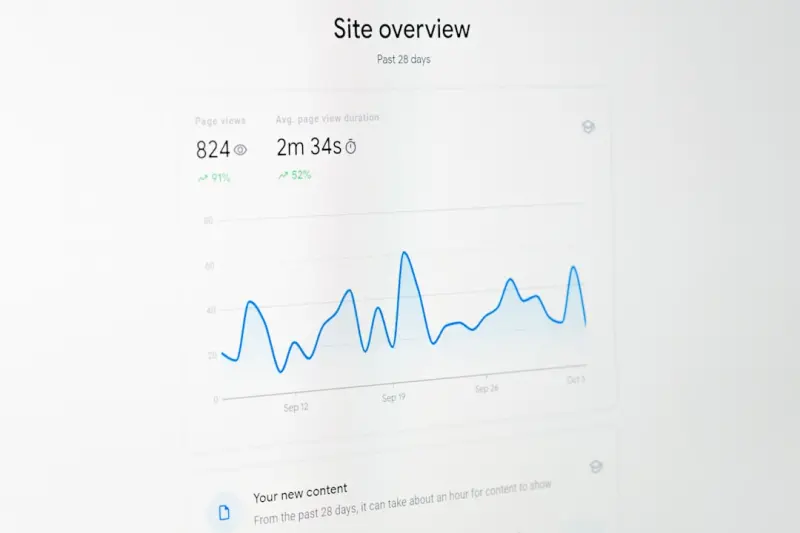
On‑page SEO isn’t just a technical checklist; it’s a conversion‑focused growth engine. Learn... Read More

Revitalizing On‑Page SEO: Prune, Refresh, and Semantic Power for SaaS Growth
Learn three powerful on‑page SEO tactics—content pruning, page refreshes, and semantic markup—... Read More
Top Posts

Link Building Strategies That Drive Sustainable SaaS Growth
A deep dive into practical, high‑impact link building techniques for SaaS companies, covering guest posting, influencer outreach, content repurposing, origina...Read More

Why Content Clusters Are the New On‑Page SEO Superpower
Discover a step‑by‑step guide to building content clusters, optimizing microcopy, and leveraging structured data, all designed to elevate on‑page SEO and ...Read More
The Rise of Visual Search: A Tactical SEO Playbook for Image‑First Users
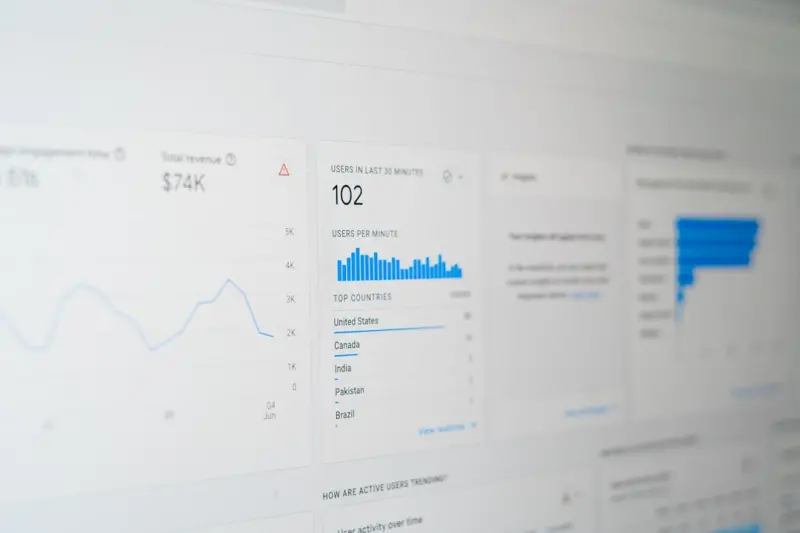
Visual search is reshaping the SEO landscape. This playbook walks you through image relevance, technical optimization, schema markup, and community‑driven vis...Read More
Turning SaaS Toolkits into Magnetized Link Assets
Learn a new link‑building approach that leverages data‑driven SaaS toolkits—like calculators and benchmarks—to earn high‑quality backlinks, boost rank...Read More
0 Comments
Post Comment
You will need to Login or Register to comment on this post!