

Why an SEO‑First Theme Matters More Than Ever
When I first built a WordPress site for a niche boutique, I learned the hard way that a beautiful design can quickly become a traffic trap if the underlying code isn’t SEO‑friendly. Search engines still crawl the HTML output, and every stray div, duplicated header tag, or missing meta field can dilute relevance and slow indexing. By treating SEO as the foundation—not an after‑thought—I’ve been able to consistently hit top‑three rankings while keeping the user experience buttery smooth.
Mapping the Architecture Before Writing a Line of Code
The first step in my workflow is sketching a logical site hierarchy that mirrors both user intent and search engine expectations; I start with a simple tree diagram that outlines primary categories, sub‑categories, and supporting pages. This visual map informs URL structures, breadcrumb trails, and internal linking strategies, ensuring that authority flows naturally from hub pages to long‑tail content. I also set up a taxonomy plan that leverages custom post types for products, testimonials, and case studies, which later makes schema implementation a breeze.
Choosing the Right Template Tags for Maximum Visibility
WordPress offers a suite of template tags that, when used correctly, can dramatically improve crawl efficiency. Instead of hard‑coding titles or meta descriptions, I rely on the_title(), wp_head(), and wp_footer() to let the core system inject dynamic data, preserving consistency across the site. For pagination, the paginate_links() function provides clean, link‑rel canonical tags that prevent duplicate content issues, and the add_theme_support( 'title-tag' ) call hands full control of the title hierarchy to WordPress, eliminating the risk of missing H1 tags on critical pages.
Embedding Structured Data Without Overcomplicating the Theme
One of my favorite shortcuts is to generate JSON‑LD snippets directly in functions.php and output them via wp_head(), which keeps the markup separate from template files and reduces the chance of syntax errors. I start with the most common schema types—Article, BreadcrumbList, and Product—and conditionally load them based on post type, ensuring that every page serves a relevant knowledge graph entry. For those who prefer a plug‑and‑play approach, I often reference the Semantic Clusters guide to see how topical relevance can be reinforced through structured data.
Meeting Core Web Vitals While Preserving Design Flair
Core Web Vitals have become non‑negotiable ranking signals, so I design every theme with performance in mind from day one. This means opting for native WordPress image handling, lazy‑loading off‑screen assets, and leveraging modern image formats like WebP; I also defer non‑critical JavaScript and bundle CSS with wp_enqueue_style() to avoid render‑blocking. By keeping the DOM tree shallow and minimizing third‑party scripts, I consistently achieve LCP scores under 2.5 seconds, a benchmark that both users and Google reward.
Crafting Clean, SEO‑Friendly Permalinks
Permalink structure is a low‑effort lever that can unlock massive SEO gains, especially when you align it with keyword strategy. I always set /%category%/%postname%/ as the default, which embeds topical relevance directly into the URL while keeping it readable for humans. When dealing with multilingual sites, I prepend the language code, resulting in URLs like /en/seo-tips/, which both search engines and users instantly recognize. After establishing the pattern, I use redirect_canonical to catch and correct any stray variations that might dilute link equity.
Leveraging Gutenberg Blocks for On‑Page SEO
Gutenberg’s block editor isn’t just a visual composer; it can be a powerful SEO ally when you create reusable block patterns that enforce heading hierarchy, include alt‑text fields, and embed schema snippets. I build a “Featured Article” block that automatically adds a schema.org/Article wrapper and pulls in the featured image’s alt attribute, ensuring no content piece goes live without essential metadata. For deeper integration, I hook into render_block to inject rel="noopener" on external links, a small tweak that improves page speed and security.
Testing, Auditing, and Iterating Like a Pro
Before launching, I run a comprehensive audit using tools like Google Search Console, Screaming Frog, and Lighthouse, checking everything from crawl errors to structured data validation. I also set up automated tests in CI pipelines that flag missing title tags or broken schema, catching issues before they reach production. Post‑launch, I monitor performance trends and make data‑driven tweaks—whether it’s adjusting a heading hierarchy after a content gap analysis or fine‑tuning image compression based on real‑world LCP data.
Future‑Proofing Your Theme for Emerging SEO Trends
The SEO landscape evolves rapidly, and a resilient WordPress theme must be adaptable to new signals like AI‑driven search and voice queries. I design my theme’s codebase with modularity in mind, using hooks and filters that allow third‑party plugins to extend functionality without core modifications. For example, I leave placeholders for schema.org/FAQ blocks that can be populated by an upcoming AI content assistant, ensuring the site stays ahead of the curve. By building with flexibility at the core, you protect your investment and keep the SEO engine humming for years to come.

Tracie Higgins, a professional content writer, produces captivating content. In her leisure time, away from work and travel, she loves to spend time with her grandson.
Related Posts
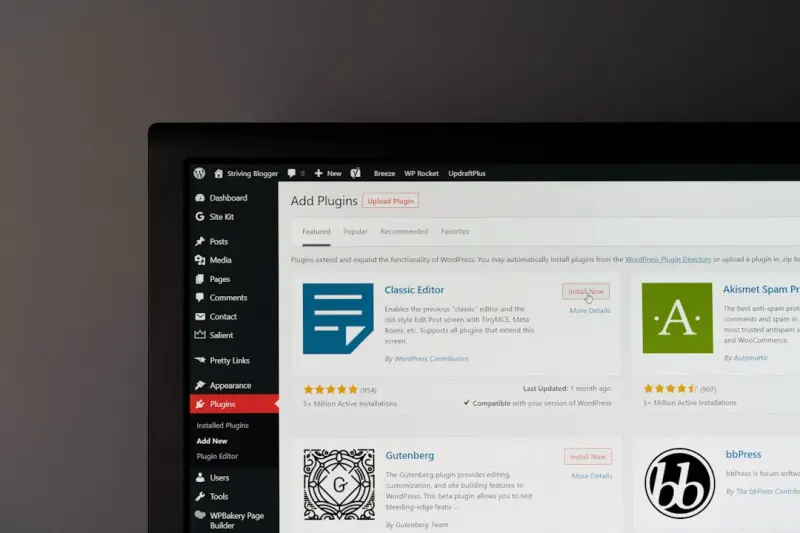
The Hidden SEO Goldmine in WordPress Taxonomies
Learn a fresh SEO strategy for WordPress: use taxonomies to create structured content hubs, improve ... Read More
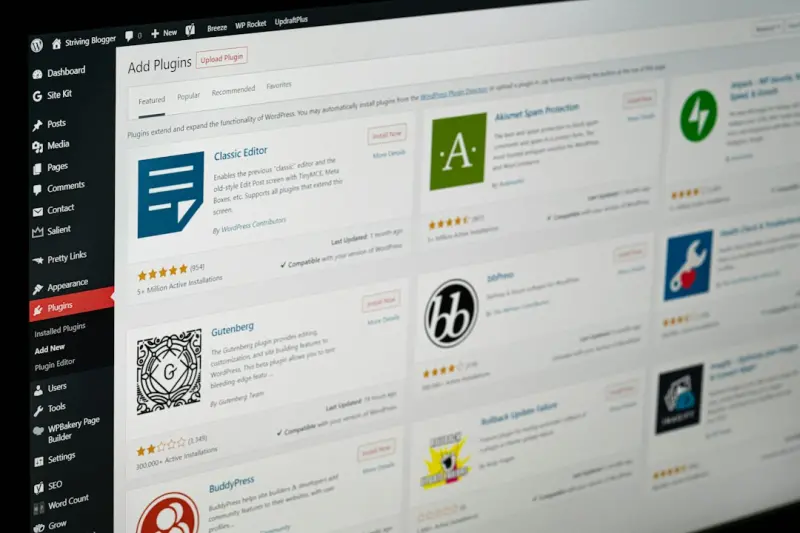
Content Hubs: The WordPress Blueprint for Sustainable SEO Authority
Discover a practical, WordPress‑centric strategy for creating content hubs that organize topics, s... Read More
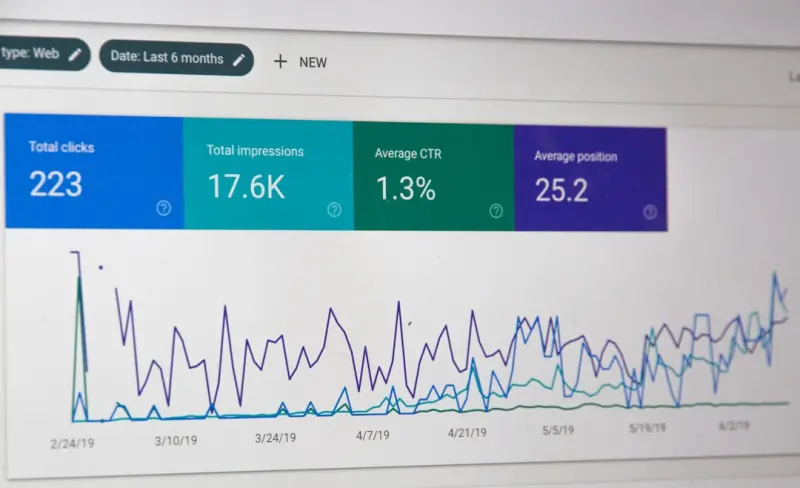
Boost Your WordPress Rankings with Smart Taxonomy Strategies
Learn to transform default categories and tags into powerful SEO assets with custom taxonomies, smar... Read More
Top Posts

Unlocking SEO Value with the WordPress REST API
Learn to harness the WordPress REST API for lighter pages, dynamic schema, and smarter internal linking—transforming your site’s SEO performance....Read More

Intent‑First SEO Secrets: Boost Your Rankings in 2026
In 2026, mastering Intent‑First SEO is the fastest route to authority. Rose shares practical steps to align content with user purpose, leverage AI tools, and ...Read More

Mastering Intent‑First SEO: Actionable Tips for Modern Marketers
A hands‑on guide to intent‑first SEO: map intent, craft content, optimize on‑page signals, and future‑proof your rankings with actionable tips for moder...Read More

Boosting Visibility with Facebook Reels: A Fresh SEO Playbook
Learn to turn Facebook Reels into powerful SEO assets with optimized captions, structured data, cross‑platform promotion, and data‑driven measurement for am...Read More
0 Comments
Post Comment
You will need to Login or Register to comment on this post!