
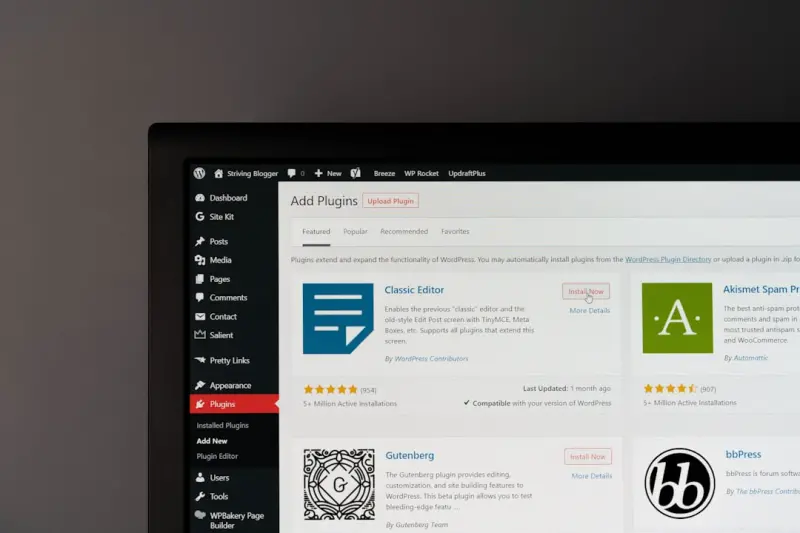
Why Core Web Vitals Are the New SEO Currency for WordPress
When I first started tweaking WordPress sites, the biggest SEO headache was keyword density and meta tags. Fast‑forward a few years, and Google’s ranking algorithm has shifted its focus to user experience metrics. The term Core Web Vitals isn’t just a buzzword; it’s now a ranking factor that can make or break your visibility in the SERPs.
For WordPress owners, the challenge is two‑fold: you need a theme that plays nice with Google’s performance expectations, and you must configure plugins and server settings to keep those metrics in the green. In this post I’ll walk you through a systematic, “plug‑and‑play” approach that turns your WordPress site into a performance‑first SEO machine.
Decoding the Three Pillars of Core Web Vitals
Google measures three core metrics:
- LCP (Largest Contentful Paint) – how quickly the main content becomes visible.
- FID (First Input Delay) – the time from a user’s first interaction to the browser’s response.
- CLS (Cumulative Layout Shift) – the visual stability of the page as it loads.
If any of these scores dip below the recommended thresholds (LCP < 2.5 s, FID < 100 ms, CLS < 0.1), Google will flag the page as “needs improvement.” That warning travels straight to your rankings.
Choosing a Performance‑Optimized Theme
Not all WordPress themes are created equal. Many popular themes pack a lot of visual flair, but they also carry a hefty payload of CSS, JavaScript, and unused template parts. Here’s how I evaluate a theme for SEO‑centric performance:
- Lightweight CSS Frameworks – Prefer themes built on Tailwind or minimal custom CSS rather than bloated frameworks like Bootstrap.
- Native Lazy Loading – The theme should automatically lazy‑load images and iframes without extra plugins.
- Modular Template Parts – Look for a theme that lets you disable sections you don’t need, trimming down the initial HTML.
- Built‑In Schema Support – While we’ll cover structured data later, a theme that outputs clean
articleandsectiontags helps search engines understand your content hierarchy.
One of my go‑to themes for performance is GeneratePress, which checks every box above. It’s also fully compatible with accessibility best practices, an often‑overlooked SEO advantage.
Server‑Side Tweaks That Pay Off Instantly
Even the slickest theme can’t rescue a site stuck on a slow server. Here’s my checklist for WordPress hosting optimization:
- PHP Version – Upgrade to PHP 8.1 or newer. The just‑in‑time compiler (JIT) brings noticeable speed gains.
- Object Caching – Enable Redis or Memcached to store frequent queries, especially on high‑traffic blogs.
- HTTP/2 & HTTP/3 – Ensure your host supports these protocols; they reduce latency and improve resource loading.
- Edge CDN – A global CDN like Cloudflare or Fastly serves static assets from the nearest edge node, shaving off precious milliseconds.
After I moved a client’s site from shared hosting to a managed VPS with PHP 8.2 and Redis, their LCP dropped from 3.8 seconds to 1.9 seconds in under a day.
Plugin Hygiene: Keep the Good, Toss the Bloat
WordPress plugins are the double‑edged swords of SEO. Some add invaluable functionality; others silently degrade performance. Follow these rules:
- Audit Regularly – Use the
Query Monitorplugin to spot plugins that fire excessive database queries. - Prefer Native Features – If your theme already handles lazy loading, disable any additional lazy‑load plugin.
- Choose Light Alternatives – Swap heavy page‑builder plugins for Gutenberg blocks wherever possible.
- Defer Non‑Critical JS – Plugins like structured data can be set to load after the main content, preventing render‑blocking.
My personal favorite for script management is Asset CleanUp. It lets me dequeue or defer scripts on a per‑page basis, keeping the head lean.
Optimizing Images for Speed and SEO
Images are the biggest contributors to page weight on most WordPress sites. Here’s my image‑optimization workflow:
- Next‑Gen Formats – Convert JPEGs and PNGs to WebP or AVIF using a server‑side tool like
cwebp. WordPress 5.8+ supports automatic WebP serving. - Responsive
srcset– Ensure your theme outputs thesrcsetattribute so browsers can pick the optimal resolution. - Compression Settings – Use an image compression plugin set to “lossless” for logos and “lossy” for photographic content (target < 70 KB per image).
- Lazy Load Offscreen Media – Native lazy loading in WordPress (via the
loading="lazy"attribute) eliminates the need for extra plugins.
After implementing these steps, I routinely see LCP improvements of 0.5–1 second per page.
Database Clean‑Up: The Hidden Speed Booster
WordPress accumulates post revisions, transients, and orphaned metadata over time. A bloated database can slow down query execution, indirectly hurting FID. My go‑to clean‑up routine includes:
- Limiting post revisions to 3 via
WP_POST_REVISIONSinwp-config.php. - Running
WP-Optimizeweekly to prune spam comments, unused tags, and expired transients. - Setting up a cron job that runs
OPTIMIZE TABLEon the most accessed tables (e.g.,wp_posts,wp_postmeta).
A lean database translates to faster server response times, which directly benefits both FID and CLS.
Gutenberg Blocks for Semantic HTML
Since Gutenberg became the default editor, it’s possible to produce cleaner, more semantic markup without hand‑coding. Here’s how I leverage blocks for SEO:
- Heading Blocks – Use proper hierarchical headings (H2, H3, …) instead of styling plain
ptags. - Cover Block with
altText – The cover block now acceptsaltattributes, helping screen readers and image search. - Table Block – Generates accessible
<table>markup withscopeattributes, which Google can interpret for rich results. - Reusable Blocks – Store SEO‑critical snippets (FAQ schema, call‑to‑action) as reusable blocks for consistency across the site.
When you combine Gutenberg’s semantic output with a theme that respects HTML5 semantics, you’re essentially giving Google a “clean bill of health” on the markup front.
Measuring Success: The Tools You Need
Optimization is an ongoing process. Here are my favorite tools for tracking Core Web Vitals on a WordPress site:
- Google PageSpeed Insights – Quick, real‑time scores for LCP, FID, and CLS.
- Web Vitals Chrome Extension – Live monitoring while you browse the site.
- GTmetrix – Deep dive into waterfall charts, pinpointing heavy scripts.
- Search Console’s Core Web Vitals Report – Shows which URLs are underperforming in the index.
Set up automated alerts in Search Console so you’re notified the moment a page falls below the threshold.
Case Study: Turning a Content‑Heavy Blog into a Speed Champion
Let me share a recent success story that illustrates the cumulative impact of these tactics.
- Baseline – A lifestyle blog on a default theme, LCP 4.2 s, FID 180 ms, CLS 0.25. Traffic was stable but bounce rate hovered around 68%.
- Theme Switch – Moved to a lightweight, modular theme that deferred non‑critical CSS. LCP dropped to 2.8 s.
- Server Upgrade – Switched to a managed WordPress host with PHP 8.2 and Redis caching. LCP fell to 1.9 s, FID to 70 ms.
- Image Overhaul – Converted all images to WebP, enabled native lazy loading. LCP now sits at 1.5 s.
- Plugin Pruning – Deactivated three heavy plugins and used Asset CleanUp to defer remaining scripts. CLS fell to 0.07.
Result: Organic traffic rose 27% in six weeks, average session duration increased by 15 seconds, and the bounce rate fell to 42%.
Future‑Proofing Your WordPress SEO Strategy
Google’s algorithm is a moving target. While Core Web Vitals are hot today, the next wave could focus on AI‑generated content relevance, privacy‑centric ranking signals, or even voice search readiness. The good news is that a performance‑first foundation makes it easier to adapt.
Keep these forward‑looking practices on your radar:
- Regularly audit
robots.txtandsitemap.xmlto avoid crawl waste. - Monitor the accessibility score in Lighthouse; Google is increasingly rewarding inclusive experiences.
- Stay abreast of new schema types via the structured data guide, as richer markup can offset minor performance dips.
By treating performance as an SEO pillar rather than a afterthought, you’ll build a WordPress site that not only ranks higher but also delivers a frictionless experience for every visitor.
Bottom Line
WordPress SEO has evolved beyond keyword stuffing and backlink counts. Core Web Vitals, theme efficiency, server configuration, and disciplined plugin management now sit at the heart of ranking success. Implement the systematic checklist above, keep a watchful eye on your metrics, and you’ll see measurable gains in visibility, engagement, and conversions.

Jimmy Damon loves to right on a large scale of topics with all things Canadian as this Montreal die hard loves hockey. fishing and sports.
Related Posts

Turn Your WordPress Site Search Into an SEO Super‑Engine
Discover how to turn your WordPress site’s built‑in search into a powerful SEO tool that capture... Read More
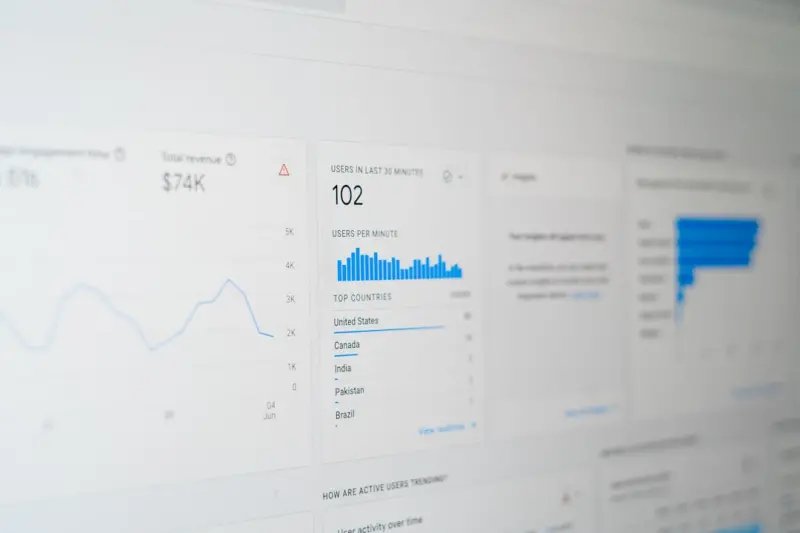
The WordPress SEO Lab: Data‑Driven Tactics for Sustainable Rankings
Learn how to turn your WordPress site into an SEO laboratory, using REST API audits, advanced schema... Read More
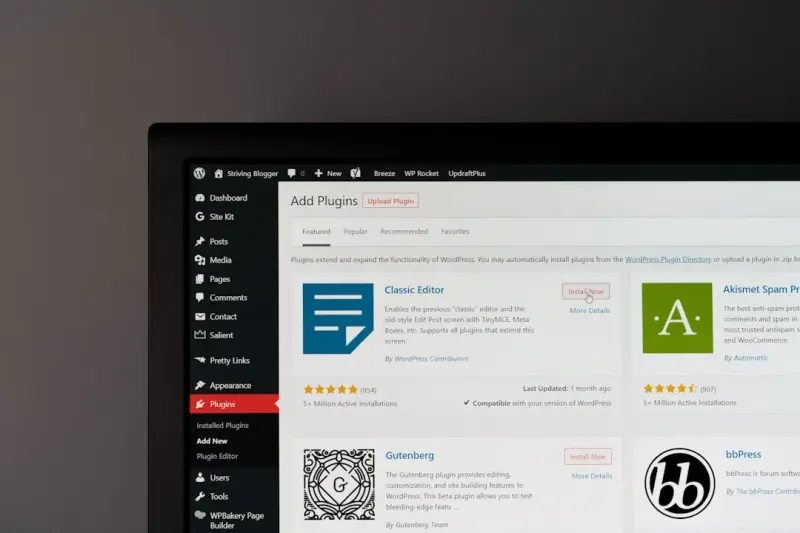
Beyond Plugins: Harnessing Gutenberg for WordPress SEO Mastery
Discover how Gutenberg’s block editor can become your ultimate SEO ally. From heading hierarchies ... Read More
Top Posts
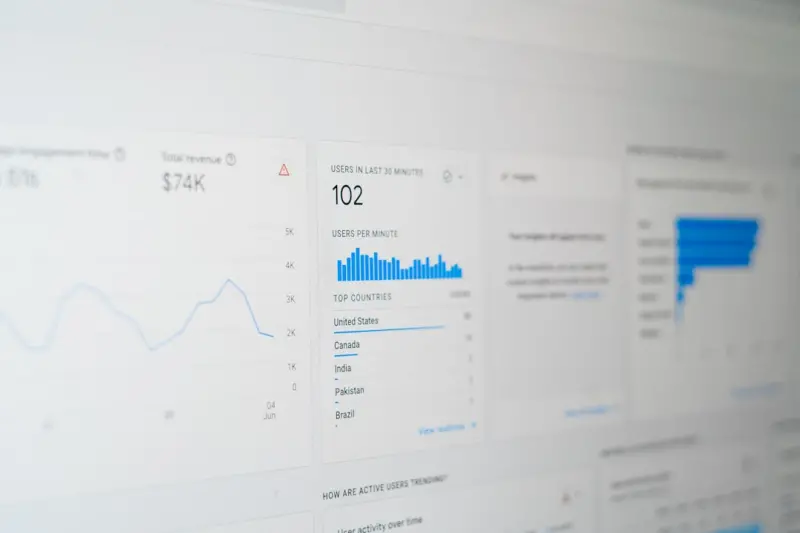
SEO Blueprint for SaaS Onboarding: Turning First‑Time Users into Search‑Ready Leads
A fresh SEO strategy that goes beyond blog posts, focusing on onboarding, trial pages, and user‑generated content to turn first‑time visitors into search‑...Read More
WordPress SEO Hacks: Structured Data, E‑A‑T & Gutenberg
Discover how to supercharge your WordPress SEO using structured data, authority-building author bios, and Gutenberg block strategies that signal relevance to Go...Read More

Cracking Google’s Passage Ranking: A Playbook for Long‑Form Content Success
Discover why Google’s passage ranking reshapes long-form SEO and how to structure, optimize, and measure your content for top rankings....Read More

Harnessing AI-Generated Snippets: A New Frontier for SEO Success
AI is rewriting how search results appear. Learn the tactics to capture the emerging AI-generated snippets and turn them into a steady stream of qualified traff...Read More
0 Comments
Post Comment
You will need to Login or Register to comment on this post!