

Rethinking On‑Page SEO: A User‑First Refresh for SaaS Sites
When I first got my hands on a fresh on‑page SEO audit, the checklist felt familiar: keywords, meta tags, header hierarchy, image alt text. I’d seen it all before, and frankly, most of the advice sounded like a re‑hash of the same old playbook. That’s when I realized the real opportunity isn’t in ticking boxes—it’s in flipping the entire mindset from “search engine first” to “human reader first.”
Why the “Human First” Lens Matters More Than Ever
Google’s algorithms have been marching toward a deeper understanding of intent for years. From RankBrain to the newest Multitask Unified Model (MUM), the engine is less interested in keyword stuffing and more in answering the real questions behind a query. If we, as SaaS marketers, keep polishing the same old HTML scaffolding without considering the experience of the visitor, we’ll watch our rankings plateau while competitors who invest in user‑centric signals surge ahead.
Think of your landing page as a conversation. The moment a prospect lands, they’re already talking to you in their mind: “Do I belong here? Does this solve my problem? Is this trustworthy?” If your on‑page elements fail to answer those sub‑questions, the conversation fizzles, and Google notices.
The Three Pillars of a User‑First On‑Page Overhaul
- Readability & Cognitive Load – Clear typography, concise sentences, and visual hierarchy that guide the eye.
- Intent Alignment – Matching the page’s promise to the specific stage of the buyer’s journey.
- Performance & Core Web Vitals – Speed, interactivity, and visual stability that keep users (and Google) happy.
Let’s unpack each pillar and see how they translate into concrete, actionable tweaks you can start implementing today.
1. Readability & Cognitive Load: The Silent Ranking Factor
Humans process information in chunks. A wall of text, even if technically optimized, creates friction. Here’s how to make the page feel like a well‑crafted article rather than a keyword dump:
- Typography matters. Use a legible font size (minimum 16 px on body text) and maintain a line height of 1.5 to 1.6. Contrast ratios of at least 4.5:1 ensure readability for low‑vision users.
- Short paragraphs. Aim for 2‑3 sentences per paragraph. This mirrors the natural rhythm of scanning on a screen.
- Bullet points and numbered lists. They break down complex ideas into digestible bites and are favored by Google’s featured snippets.
- Visual anchors. Incorporate relevant icons, diagrams, or short videos to reinforce key concepts without overloading the page.
When you prioritize readability, you also boost dwell time—a metric that subtly signals relevance to Google’s algorithm.
2. Intent Alignment: Mapping Content to the Buyer’s Journey
Every piece of on‑page content should answer a specific question that a prospect has at a particular stage—be it awareness, consideration, or decision. Instead of stuffing a single “primary keyword” into every heading, ask yourself:
- What problem am I solving for the visitor?
- Which part of the journey does this page address?
- What action do I want the user to take after reading?
For a SaaS product, this often translates into three distinct on‑page strategies:
- Educational Hubs – Blog‑style pages that answer “how‑to” or “what‑is” queries. These attract top‑of‑funnel traffic and build authority.
- Feature Deep‑Dives – Pages that map directly to product capabilities, targeting mid‑funnel intent such as “SaaS CRM reporting features.”
- Conversion‑Focused Landing Pages – High‑intent pages optimized for trial sign‑ups, demos, or purchases.
One quick win is to rewrite your H1 and sub‑headings as question‑answer pairs that mirror the exact phrasing a prospect would type into Google. For example, instead of “Advanced Reporting Tools,” try “How Can Advanced Reporting Tools Boost My Sales Funnel?” This subtle shift improves relevance and increases the odds of appearing in the “People Also Ask” box—a tactic you can explore further in our People Also Ask playbook.
3. Performance & Core Web Vitals: The Technical Backbone of User Experience
Google has made it crystal clear: a site that lags, flickers, or jumps will be penalized, regardless of how brilliant its content is. The three Core Web Vitals—LCP (Largest Contentful Paint), FID (First Input Delay), and CLS (Cumulative Layout Shift)—are now direct ranking signals.
Here are five practical steps to tighten these metrics on a typical SaaS landing page:
- Prioritize above‑the‑fold content. Serve critical CSS inline and defer non‑essential scripts. This reduces LCP dramatically.
- Lazy‑load images and videos. Use native
loading="lazy"attributes or IntersectionObserver to load assets only when they enter the viewport. - Optimize server response time. Move to a CDN, enable HTTP/2, and leverage server‑side caching.
- Eliminate layout shifts. Always specify width and height for media elements, and avoid inserting content after the page has rendered.
- Measure and iterate. Use Chrome DevTools, PageSpeed Insights, and the Web Vitals extension to monitor real‑world performance.
If you’re already obsessed with performance, you might find our mobile‑only SEO tactics a natural extension, as mobile-first performance directly influences Core Web Vitals scores.
Integrating Structured Data Without Overkill
Structured data still plays a vital role—especially for SaaS products that want to surface pricing tables, FAQs, or software reviews in rich results. The trick is to use it strategically, not as a blanket addition.
Start by adding FAQPage markup to your educational hubs and SoftwareApplication schema to feature pages. This tells Google exactly what each section represents, increasing the chance of enhanced SERP appearances. If you need a step‑by‑step guide, our structured data checklist walks you through the most effective types for SaaS.
Real‑World Example: Turning a Feature Page into a Conversion Magnet
Imagine you have a page titled “Automated Email Campaigns.” Here’s how a user‑first overhaul would look:
- Headline (H1): “Can Automated Email Campaigns Increase Your Revenue by 30%?” – Directly addresses the prospect’s desired outcome.
- Sub‑heading (H2): “What You’ll Get: Real‑Time Personalization, A/B Testing, and Seamless CRM Integration.” – Breaks benefits into scannable bullet points.
- Intro Paragraph: Keep it under 60 words, focusing on the pain point (time‑consuming manual emails) and the promise (automation saves time and boosts ROI).
- Visuals: Add a short, auto‑playing GIF (no sound) showing the workflow, with proper
alttext: “Dashboard view of automated email sequence builder.” - Social Proof: Insert a rotating carousel of short customer quotes, each with a
citeattribute for schema. - CTA Placement: Place a “Start Free Trial” button above the fold and repeat it after the benefits section, using contrasting colors for visibility.
- Technical Tweaks: Ensure LCP is under 2.5 seconds by pre‑loading the hero image, set FID below 100 ms with minimal JavaScript, and lock CLS by reserving space for the GIF.
When you combine clear intent, readable content, and performance, you create a page that not only ranks higher but also converts better—exactly the dual win every SaaS marketer craves.
Measuring Success: Beyond Rankings
Traditional SEO reporting focuses on keyword positions and organic traffic volume. While those metrics matter, a user‑first approach calls for deeper insights:
- Engagement Metrics: Average Session Duration, Scroll Depth, and Interaction Rate on CTAs.
- Conversion Funnel Health: Track the drop‑off between landing page views and trial sign‑ups.
- Core Web Vitals Trends: Set quarterly goals for LCP, FID, and CLS improvements.
- Content Satisfaction Signals: Use on‑page surveys or NPS widgets to capture immediate feedback.
By aligning SEO KPIs with user experience data, you’ll spot opportunities to iterate faster and keep the content loop tightly coupled with real‑world performance.
Action Plan: 7-Day Sprint to a User‑First On‑Page Refresh
Ready to put theory into practice? Here’s a rapid sprint you can run on any high‑traffic SaaS page:
- Day 1 – Audit Readability. Use Hemingway or Grammarly to cut sentence length, eliminate passive voice, and aim for a reading level of Grade 8 or lower.
- Day 2 – Refine Headings. Rewrite H1/H2 tags as question‑answer pairs that reflect search intent.
- Day 3 – Add Structured Data. Implement the most relevant schema from our checklist.
- Day 4 – Optimize Media. Compress images with WebP, set explicit dimensions, and lazy‑load below‑the‑fold assets.
- Day 5 – Boost Core Web Vitals. Apply the performance tips listed earlier; verify improvements with PageSpeed Insights.
- Day 6 – Insert Social Proof. Add 2‑3 concise testimonials with proper markup.
- Day 7 – Test & Iterate. Run A/B tests on the CTA placement and headline wording; monitor engagement metrics for at least 48 hours.
Even a single week of focused effort can shift a page from “just indexed” to “actively converting” while simultaneously sending positive signals to Google’s crawler.
Final Thoughts: The Future of On‑Page SEO Is Human‑Centric
SEO will never be a set‑and‑forget discipline. As search engines get smarter, the only sustainable advantage is to make the human experience as seamless, relevant, and delightful as possible. By treating on‑page elements as conversation starters rather than checkbox items, you’ll future‑proof your SaaS site against algorithmic turbulence and, more importantly, earn the trust of the very users you’re trying to attract.
So, next time you sit down to edit a landing page, ask yourself: “If my ideal customer read this out loud, would they feel understood? Would they stay, explore, and ultimately click that CTA?” If the answer is yes, you’ve nailed the user‑first on‑page refresh—and the rankings will follow.

Ann Cinzar lives in Ottawa, Ontario with her husband Mike, daughter Rosie, and their dog Reese. She is passionate about family life and loves Canada.
Related Posts
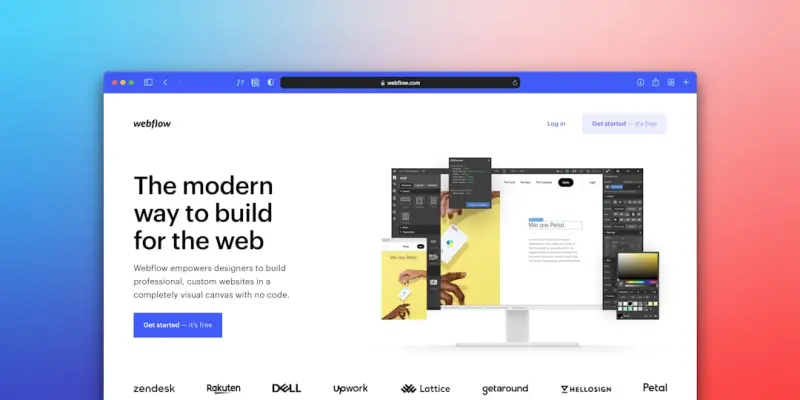
Visual Hierarchy: Turning Page Design Into Ranking Fuel
Learn to harness visual hierarchy—layout, images, video, and interactive content—to boost on‑p... Read More

Why Your On‑Page SEO Needs Real‑World User Data
Learn how to use heatmaps, scroll depth, and click‑path analytics to fine‑tune on‑page SEO, al... Read More

Designing On-Page SEO That Works for All Users (and Search Engines)
Discover how integrating accessibility—semantic HTML, descriptive alt text, keyboard navigation, a... Read More
Top Posts

Why Community‑First Is the Secret Weapon for Modern eCommerce Brands
A community‑first strategy transforms shoppers into brand advocates, driving higher LTV, organic referrals, and data‑driven personalization. Learn the steps...Read More
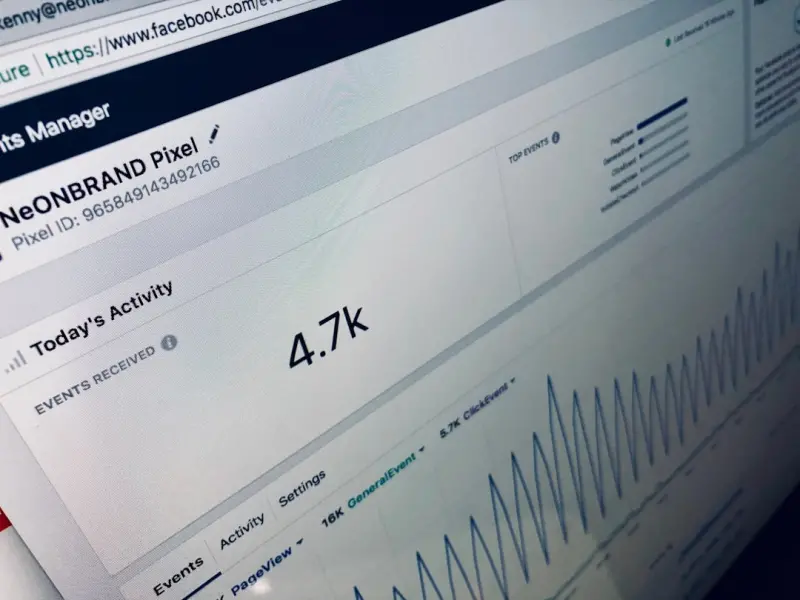
How Facebook Events and Check‑Ins Can Boost Your Online Visibility
Learn to turn Facebook events and attendee check‑ins into powerful tools for organic discoverability, leveraging data and cross‑posting for lasting online v...Read More
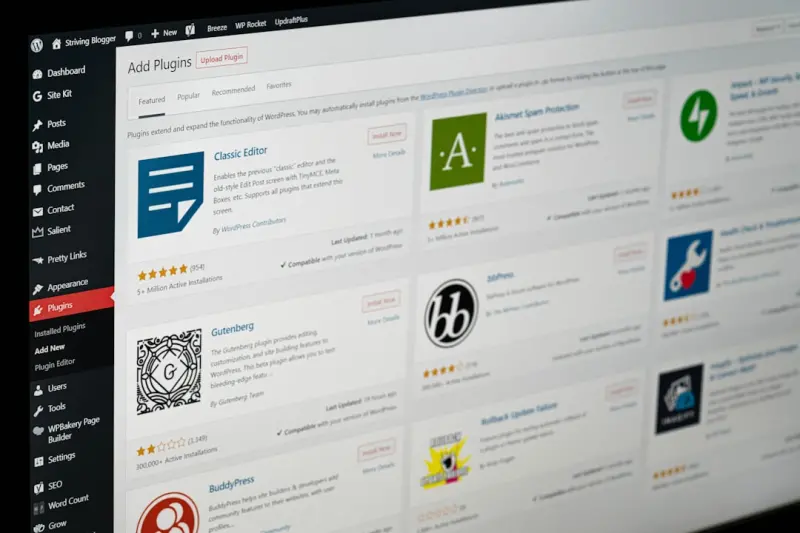
Turn Customer Reviews Into SEO Gold: A Practical Playbook
Discover a step‑by‑step guide to turning everyday customer reviews into powerful SEO assets that improve rankings, increase clicks, and build trust....Read More
Rank Your Facebook Business Page on Google
A practical guide showing marketers how to make their Facebook Business Page rank higher in Google, covering technical setup, content tactics, groups, and measu...Read More
0 Comments
Post Comment
You will need to Login or Register to comment on this post!